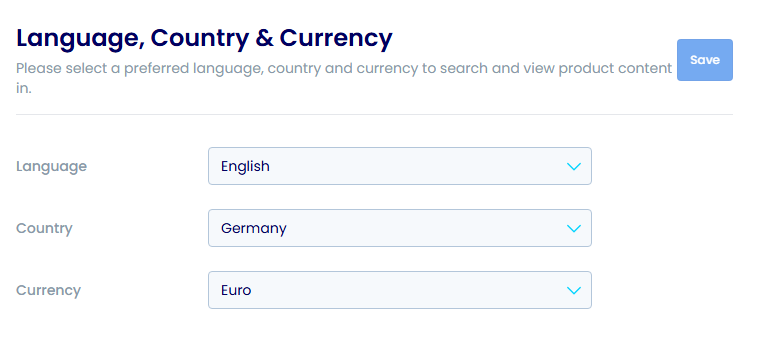
Language and Currency Settings
How to customize your language, country, and currency preferences.
This video shows how to customize your language and currency settings.
Open in new tabOverview
Customize your language, country, and currency preferences in the platform settings.
Step-by-Step Guide
1Open Settings
- Click Settings in the navigation menu

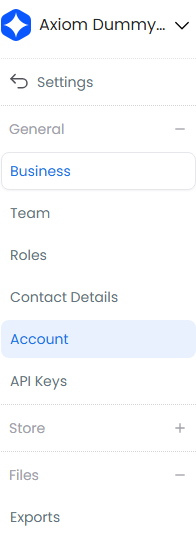
2Open Account Settings
- Select Account from the settings sidebar
3Set Your Preferences
- Choose your language using the dropdown menus
- Select your country
- Set your currency
- Click Save