Check Upload Status
Monitor and verify the approval status of your uploaded products and understand what each status means.
price-approval-listView the approval status of prices submitted to stores.
This video demonstrates how to monitor and verify the status of your uploaded products, including how to identify and address rejected items.
Open in new tabOverview
After uploading products to the platform, you should monitor their approval status. This ensures your products are properly reviewed and available for buyers to purchase. Each product has one of three statuses: Pending, Approved, or Rejected.
These statuses concern the prices you submit. Edits to the product data of an item that is scoped to a single store are reviewed separately, as item change requests.
Checking Product Status
1Navigate to Products
- Select Products in the main navigation menu
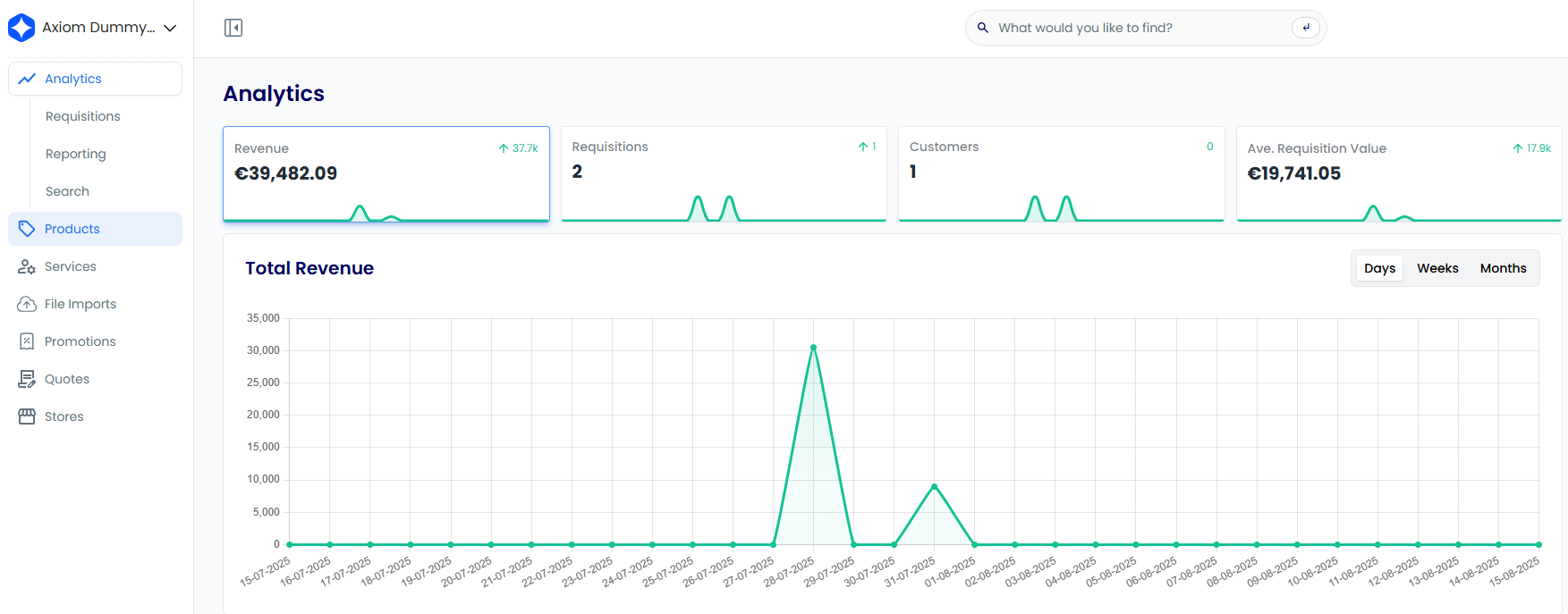
2Access the Approvals Section
- Select the drop-down menu in the Products section
- Select Approvals from the options
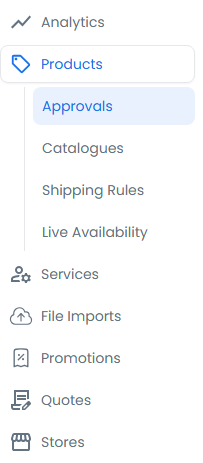
3Review Product Statuses
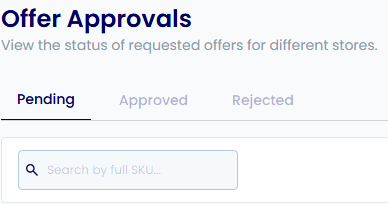
On the Offer Approvals page, you can see a list of all your products with their current approval status.
Understanding Status Types
Pending
- Products are awaiting review by the platform administrators
- These items are not yet visible to buyers
- Review time may vary based on product complexity and current queue
Approved
- Products have passed review and are active on the platform
- These items are visible to buyers, subject to your visibility settings
- You can now manage pricing, inventory, and other product details
Rejected
- Products did not meet the platform's requirements
- Check the product details for specific rejection reasons
- You can edit and resubmit rejected products for another review