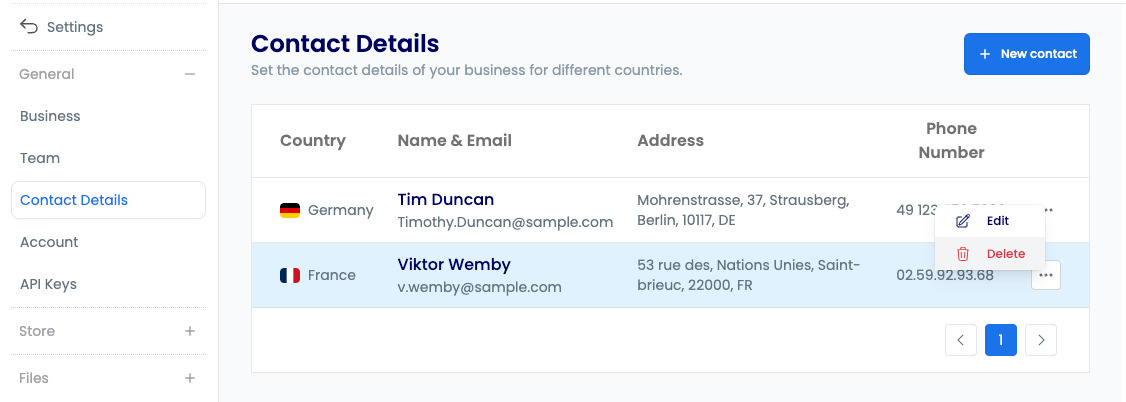
Contact Details
Manage customer and buyer contact information for each country.
list-supplier-contact-detailView the list of contact details.show-supplier-contact-detailView a contact detail entry.create-supplier-contact-detailAdd contact details.update-supplier-contact-detailEdit contact details.delete-supplier-contact-detailDelete contact details.
Follow along to manage your contact details.
Open in new tabOverview
Contact details management enables you to maintain and organise your buyer communication channels. You can designate specific contacts for each country or region, and buyers can view this information in the Axiom Marketplace.
You can see how buyers view this information in the Shop's product page.
Key Features
Contact details give you the ability to:
- Country-specific contacts — assign dedicated contacts for each country or region
- Marketplace visibility — display contact information to buyers in the Axiom Marketplace
- Multiple contact management — maintain and organise several contacts from one page
Adding Contact Details
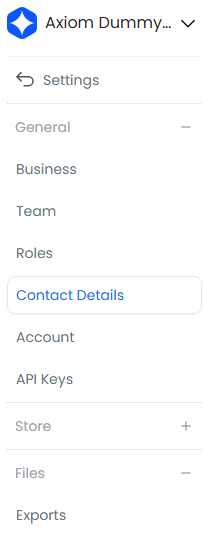
- Select the settings icon in the left sidebar

- Select Contact Details
- Select + New Contact
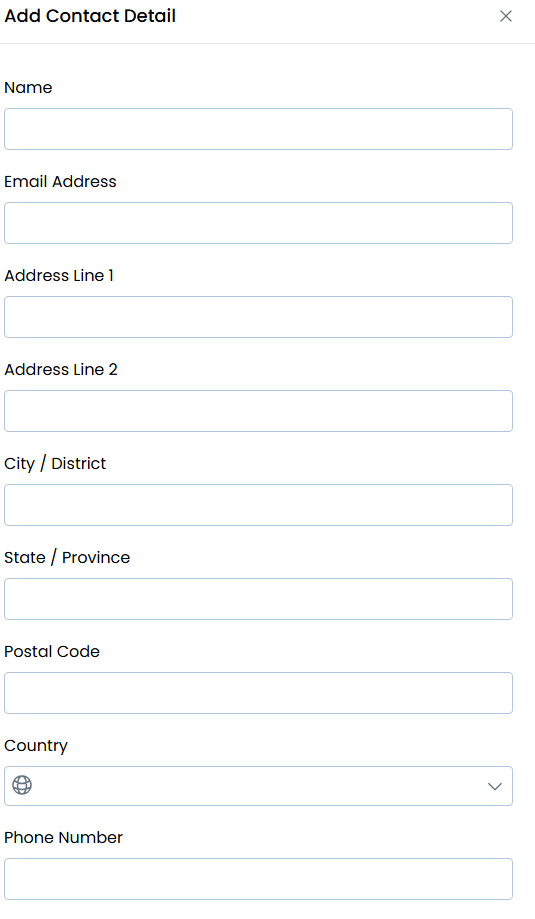
- Choose the target country, enter the contact name and email address, add any additional contact methods, and select Save
Managing Contact Details
To edit or delete an existing contact:
- Find the contact in the list
- Select the menu button (...)
- Select Edit to update the contact, or select Delete to remove it