RFQ Settings
Configure user assignments and regional settings for RFQ responses.
rfq-permissions-listView the list of RFQ assignment settings.rfq-permissions-viewView the details of an RFQ assignment setting.rfq-permissions-createCreate RFQ assignment settings.rfq-permissions-updateEdit RFQ assignment settings.rfq-permissions-deleteDelete RFQ assignment settings.supplier-store-listView your connected client stores.
Follow along to configure RFQ settings.
Open in new tabOverview
RFQ Settings provide granular control over your quote response process. You can create structured workflows by defining who can respond to RFQs based on stores and geographic locations.
Creating RFQ Settings
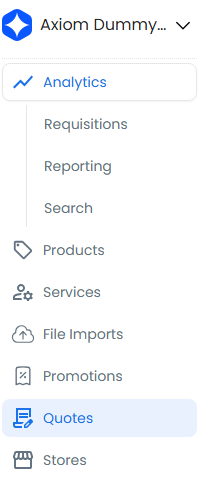
- Select Quotes in the navigation
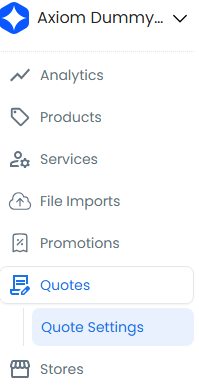
- Select Quote Settings
- Select New Setting
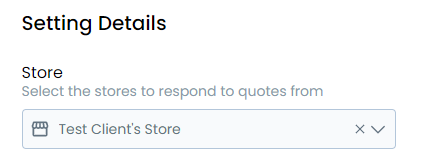
- Select the target store
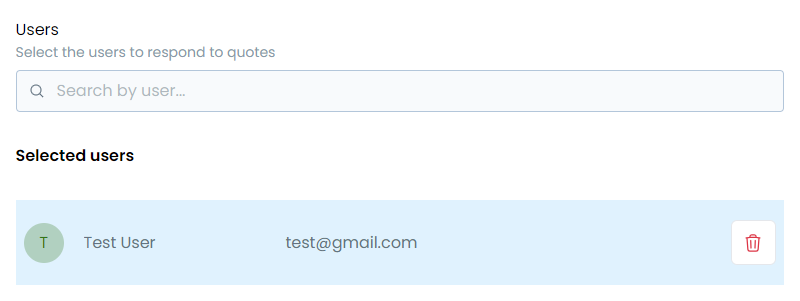
- Select the users who will respond to RFQs and assign their responsibilities
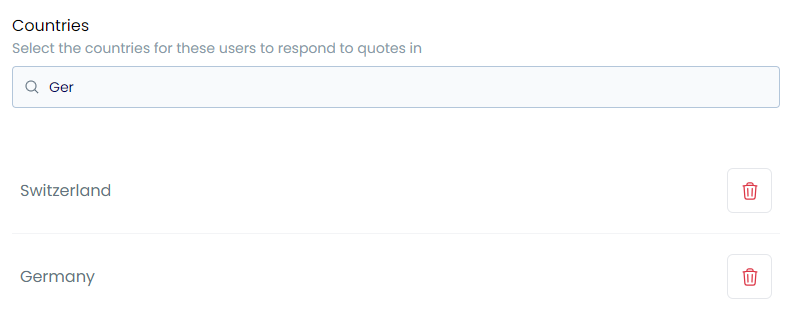
- Choose the target countries to define the geographic coverage
Managing RFQ Settings
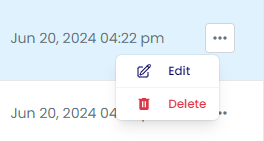
From the settings list, you can edit existing settings, remove outdated configurations, or create new ones.
Tip
Review and update your RFQ settings regularly to maintain optimal response capabilities across all markets.